Schedules & leave
View your schedule and request leave. Follow the request status; authorized staff handle the request.
Mobile app
Your business, work and administration go with you. Explore the mobile experience for employers, employees, accountants and freelancers — with access that matches your role.
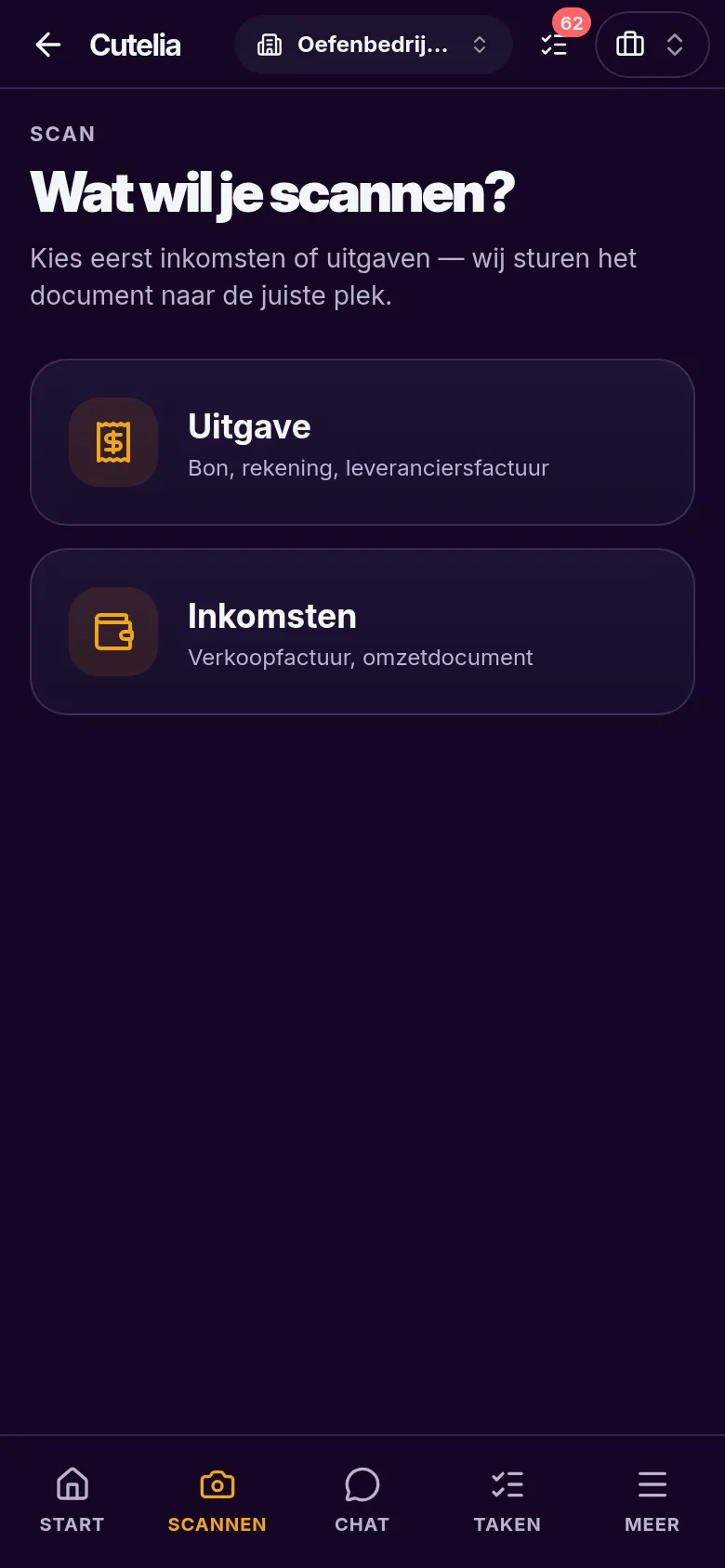
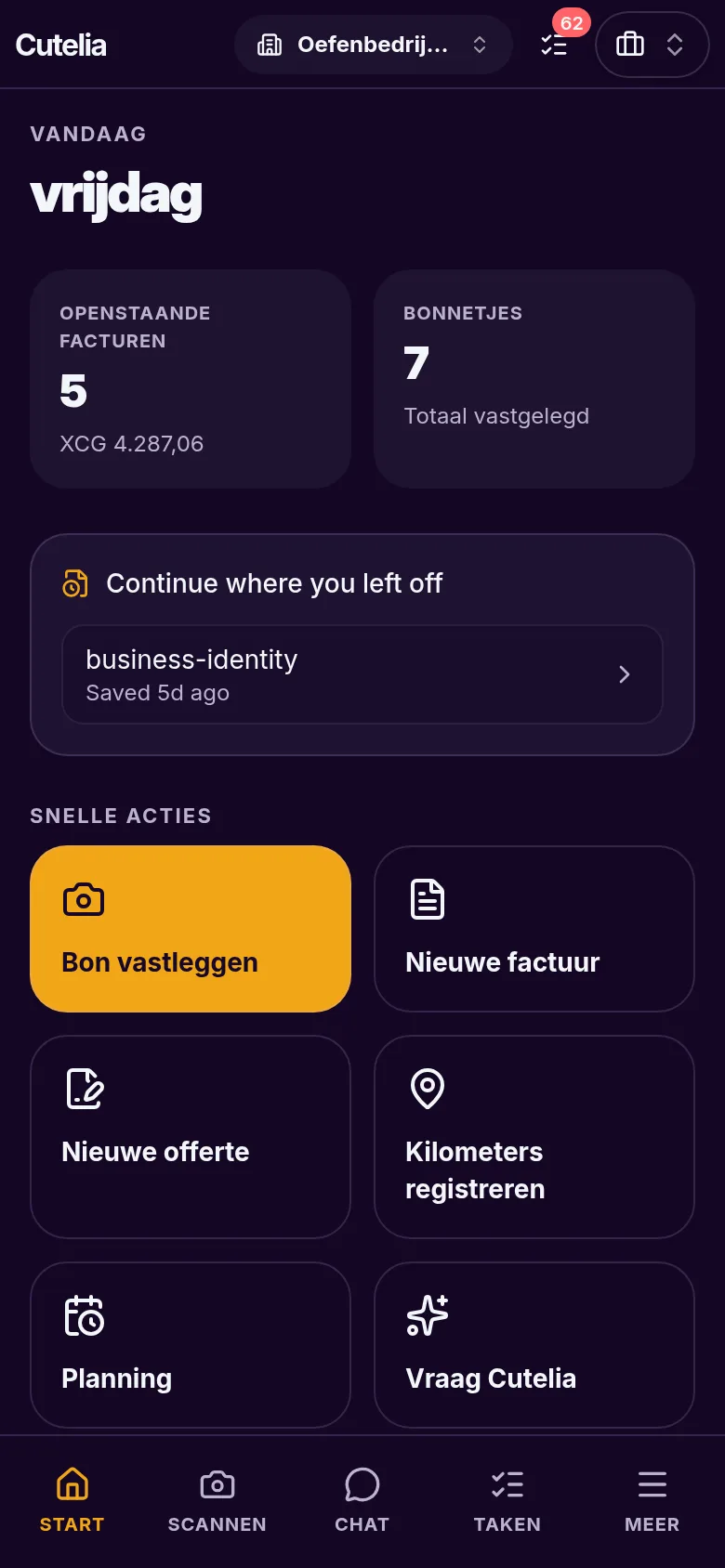
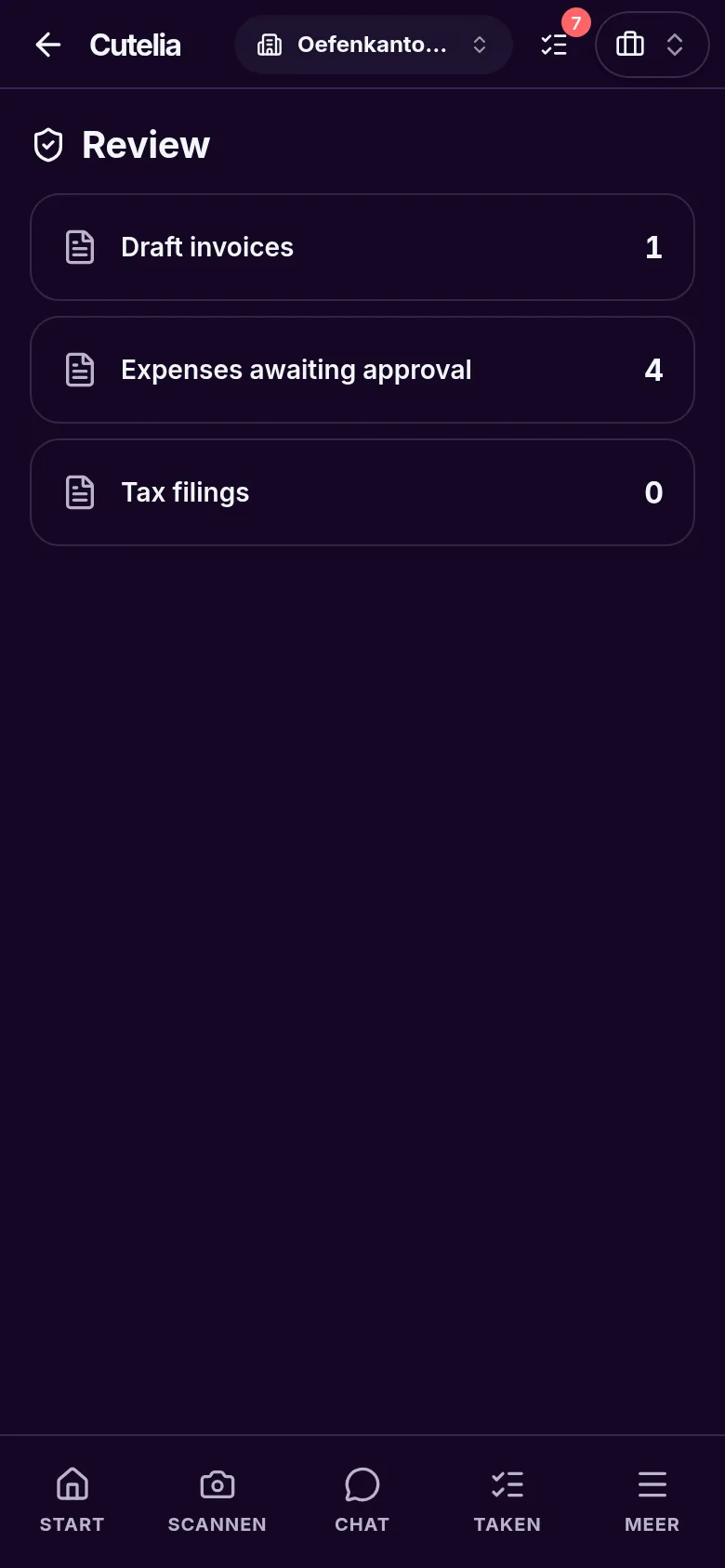
Real screenshots from the phone app, in a practice company with fictional data.
Employee app × payroll
Employees clock in on their phones. Hours and breaks come together in Cutelia, where authorized managers review them for payroll processing.
Cutelia · Employee
08:00
Personal invitation
Your hours together
Needs review
Cutelia · Employer / payroll
Pay calculation & review
Awaiting review
01 / 06
Your employer sends a personal invitation, linking your account to the right employer. A Connect ID is not an employee invitation.
Personal invitation
Hours review remains a separate step. Payroll follows business settings and permissions; Cutelia does not execute salary payments.
View your schedule and request leave. Follow the request status; authorized staff handle the request.
One identity for your linked employers. Switch employers while hours, messages and payslips stay with the right business.
Message HR and view notifications. Device notifications require permission and a supported browser.
Record mileage and recover your confirmed clock status. Not everything works offline; check synchronization once connected again.
Receipt captures and manual time drafts can wait locally on your device. Once online again, Cutelia attempts to synchronize them.
Not the entire app works offline. Sign-in, employer switching, live clocking, approvals and payroll processing require a connection. Opening the app for the first time without internet is not guaranteed.
Cutelia for Windows 10 and 11 (64-bit): a dedicated desktop window, with the same account and business data as your browser.
Keep administration moving when you are away from your desk.
You only see what your role allows. Employees see only their own data.
Employees record hours and breaks, view schedules and request leave.
Authorized managers review hours and leave within their assigned team.
Employers and authorized payroll managers manage employees, contracts and salary details through available payroll panels.
Payroll runs, review and payslips remain part of the payroll workspace; the compact phone experience does not replace every desktop feature.
Payroll-only accountants see only approved payroll scope. An accountant cannot approve their own payroll run.
Cutelia does not execute salary payments. A calculated or approved payroll run is not a bank payment.